No cable · Free · Stays on your Mac
Import Insta360 Videos to Mac over Wi‑Fi
Official Insta360 Studio does not support wireless import on Mac. This free app connects directly to your camera Wi‑Fi — no phone relay, no USB cable.
About a minute — no cable, no phone in the middle.·Setup details with screenshots →
No cable needed
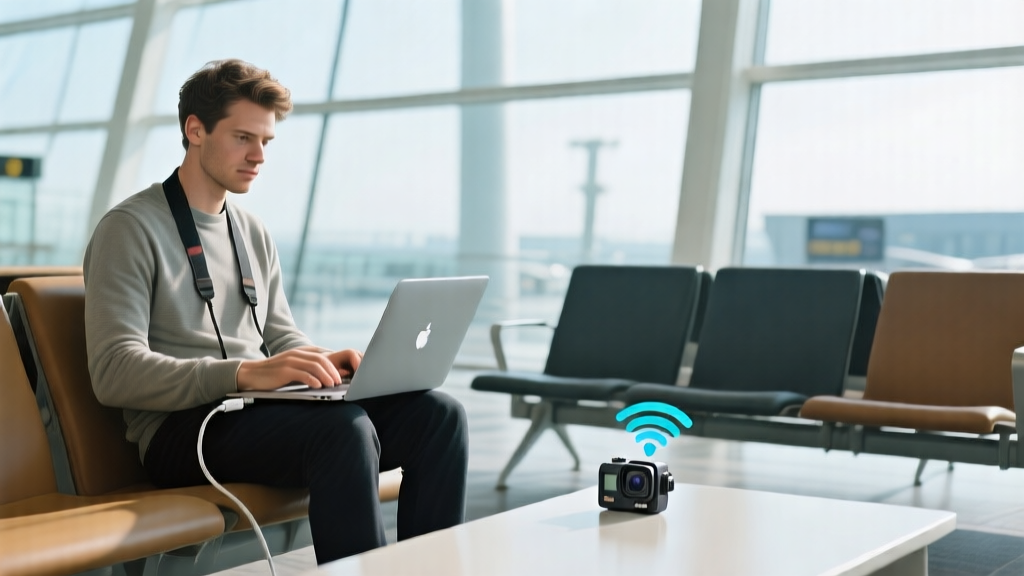
Import over Wi‑Fi when USB is not an option
Forgot the data cable on a trip? Already in Quick File Transfer on the Action Pod? Connect your Mac directly to camera Wi‑Fi and pull clips without a phone relay.
Preview first
Browse and stream before you download
Scroll the full camera library, sort by date or size, and preview videos or photos on your Mac — only import what you need.
Your files, your Mac
Local storage, no cloud upload
Everything saves to ~/Movies/Insta360 on your machine. Resume interrupted transfers and skip files you already copied.

Quick start (GO 3 / 3S)
Four moves after you dock the camera in the Action Pod.
- 1
Dock GO 3/3S in the Action Pod and power on.
- 2
On the Pod: Album → pick a clip → enable Quick File Transfer.
- 3
On Mac: join camera Wi‑Fi (name like GO 3S xxxxxx.OSC; password on Pod → Settings → Wi‑Fi info).
- 4
Open Insta360 Camera Import → Check Connection → import selected clips.
Supported cameras
Built on the community-reverse-engineered Insta360 Wi‑Fi protocol (TCP 6666). GO 3S is fully field-tested with Action Pod Quick File Transfer. GO 3, X3, X4, X5, and Ace series likely work on the same protocol — please report results.
- ✓GO 3S — fully tested (Action Pod + Quick File Transfer)
- ✓GO 3 — protocol-compatible, feedback welcome
- ✓X3 / X4 / X5 — protocol-compatible, feedback welcome
- ✓Ace / Ace Pro — protocol-compatible, feedback welcome
FAQ
- Is this an official Insta360 app?
- No. It is an independent macOS tool using the same Wi‑Fi protocol as the mobile app. Use at your own risk; always keep backups on the camera SD card.
- Do I need the Insta360 phone app?
- For GO 3/3S you need the phone app for first-time Bluetooth pairing. After Quick File Transfer is active on the Pod, the phone app does not need to stay open.
- Why Wi‑Fi instead of USB?
- USB is fastest and official. Wi‑Fi helps when you travel without a data cable or already use Quick File Transfer from the Pod.
- macOS version?
- macOS 13 Ventura or later. Apple Silicon and Intel supported.
- Why does macOS warn about malware / block the app?
- The DMG is not Apple-notarized (requires a paid Developer ID). The app is ad-hoc signed. Right-click → Open on first launch, or allow in System Settings → Privacy & Security. Fully removing the warning requires Apple notarization — planned if the project grows.
Download Insta360 Camera Import
Free DMG for macOS 13+. Independent app — not notarized by Apple. See below if macOS blocks the first launch.
Version 1.3.3 · ~118 MB · SHA256: 79930e8d54b1a573baded2aaac0d0c3e293a58e82fc8050e3275fa9d1ad874b5